Guides
How to Read Commercial Washer Error Codes by Fault Family
Commercial washer error codes are model-specific, but the display's cycle stage points to one of five fault families. Record the code and check the named part.
What to take away
- Most commercial washer codes are specific conditions, not automatic proof of a failed part.
- Record the exact code, model, and serial before any reset.
- Fill and drain faults often clear after cleaning inlet screens or the drain filter.
- Stop if water, heat, or smell becomes unsafe.
- Lock out power at the disconnect before opening a cabinet.
Commercial washer error codes appear when a sensor reading falls outside the range the control board expects. Error codes are short alphanumeric signals that appear on the display. The exact meaning depends on the model, not the category alone. This guide does not reprint every code; it shows how to sort a displayed code into a fault family and what to check first.
No maker uses the same letters and numbers for the same fault. Speed Queen, Dexter, Huebsch, Wascomat, and Continental Girbau each run their own code scheme. Exact code meanings are model specific, so start with the manual that matches your nameplate, or the code sticker on the back panel. The families below narrow the system at fault so you can start checking the right component.
Common fault families and first checks
| Code family | What it usually signals | First check |
|---|---|---|
| Fill | Water is not reaching the drum at the level or rate the board expects | Inlet screens, wall valve, pressure hose |
| Drain | Water is not leaving the drum, or a level sensor reads high | Drain filter, pump inlet, drain hose |
| Door or lock | The board does not see the door closed and locked | Door seal, latch, wiring to the lock |
| Motor or drive | The drum does not turn, or the current draw is out of range | Belt, drum obstruction, motor connector |
| Communication | A board or display is not talking to the control | Loose harness, connector corrosion, board fault |
A displayed code maps to a family by the point in the cycle where it appears. A code during the fill step points to the fill family, one after the wash step points to drain, one before the drum turns points to door or lock, one during tumble or spin points to motor or drive, and one that flickers or appears with no mechanical symptom points to communication. Write the cycle stage beside the code before you reset.
Preconditions before you read a code
The machine must be empty, the door fully closed, and the coin or card reader reset. Water supply valves at the wall must be open. The circuit breaker must be on and the emergency stop released.
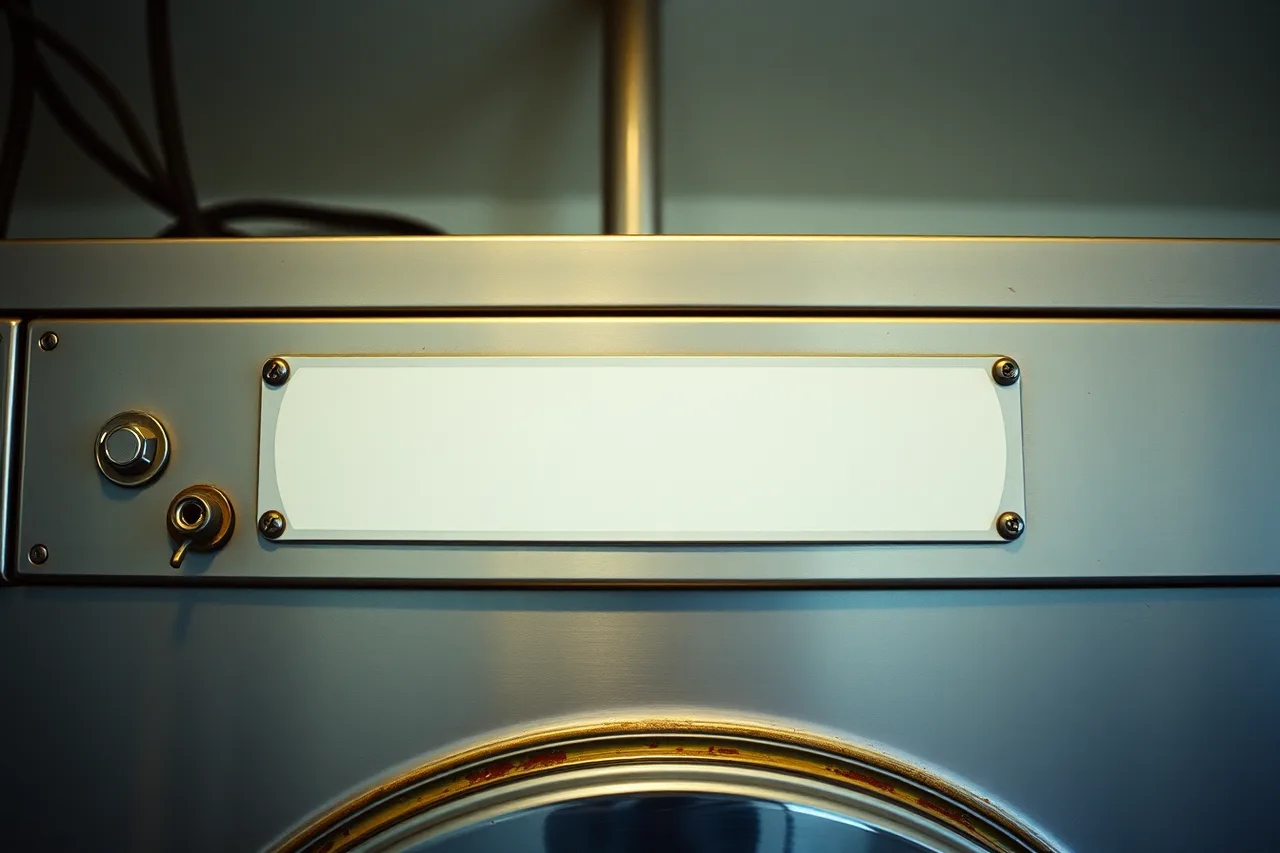
The nameplate on the back or door edge lists the model and serial number. Write down every digit of the code before touching anything. In a cold machine room, a frozen fill line can trigger a fill code. Review freeze protection steps before you assume a part failed.
The sequence
- Record the exact code, model, and serial number from the nameplate.
- Turn off the washer at its own disconnect or breaker, then wait for the display to clear.
- Remove and rinse the inlet hose screens and the drain filter, if accessible from the front.
- Check the door seal and coin drop for coins, bobby pins, or torn cards.
- Restore power and start a short test cycle with no clothes.
- Watch the first fill and drain cycles. Note whether the same code returns.
The reset in step 2 decides the outcome. If the code does not return during the empty test cycle, the fault was a one-time condition such as a momentary voltage dip or a blocked pressure hose. If the code returns at exactly the same point, the machine has a repeatable fault that needs a part-level diagnosis.
Post-reset test checklist
Use this checklist after the test cycle.
- The display shows no code and returns to the normal ready state.
- Water enters the drum within the first minute of the fill step.
- The drain empties quickly and leaves no more than a shallow pool at the bottom.
- The drum turns in both directions without grinding.
- The door unlocks at the end of the cycle.
Each check is visible or audible. If any check fails, move to the recovery step.
What to do when a step goes wrong
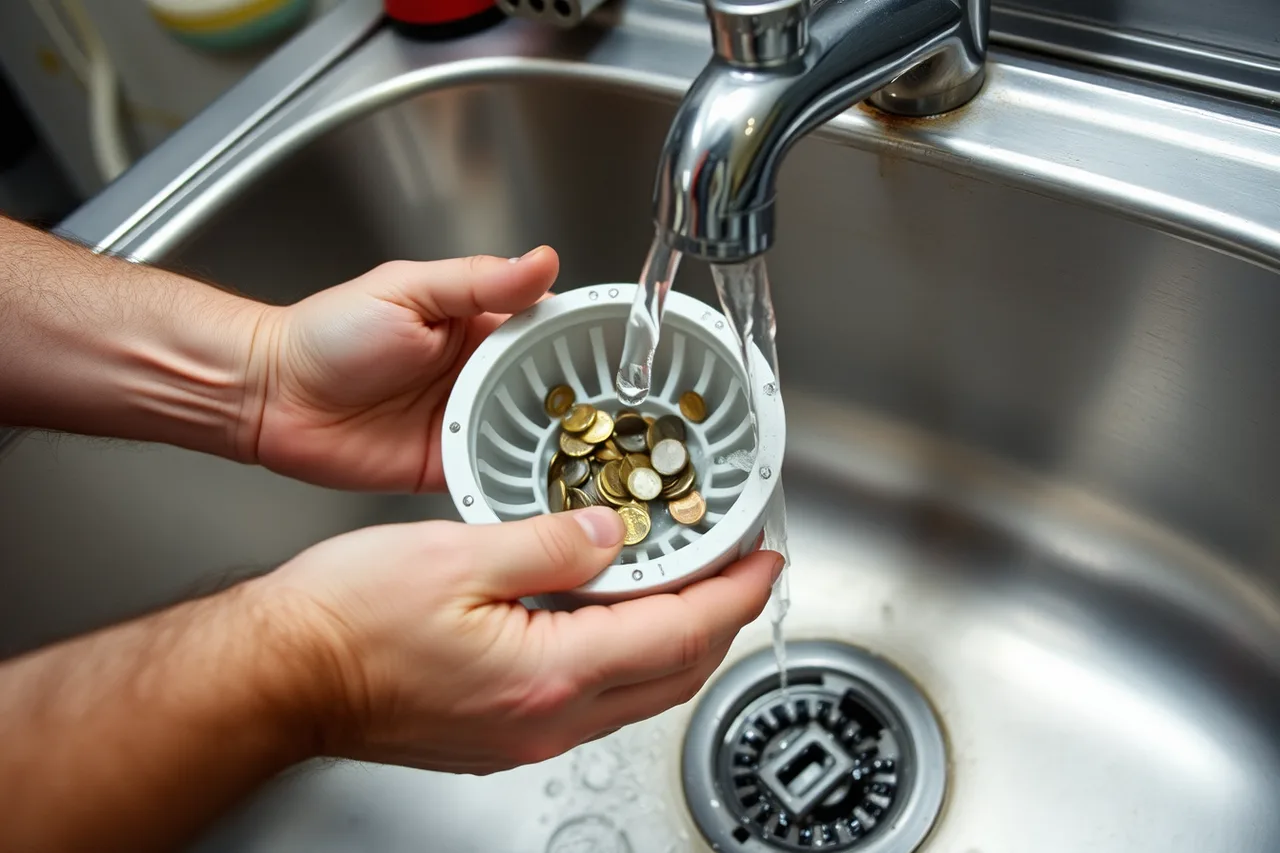
A drain code is the most common persistent fault. Turn off power, remove the drain filter, and rinse it under hot water. Look for coins, hairpins, and lint packed around the pump inlet. Reinstall and run the test cycle again.
If a fill code returns, unscrew the inlet hoses and clean the small filter screens. Hard water scale can block these screens over time. See how hard water affects washer upkeep for a longer-term fix. Do not use a descaling acid without checking the hose and pump material first.
When to stop and hand it to a professional
Stop and call a U.S.-based service technician when the same code returns immediately after a clean test cycle. Also stop if the machine does not stop filling. Stop if you see scorch marks or melted wire insulation. Stop if you smell gas or burning.
One reset after cleaning is acceptable. A second reset is rarely useful on a code that returns at the same cycle point. Repeated resets can hide a failing pressure switch, a sticky fill valve, or a worn drain pump. Write down the number of times the code recurred before the tech arrives.
Do not open a live control board. Before opening any panel, shut off and lock out power at the disconnect following OSHA 29 CFR 1910.147 lockout/tagout procedures. Before using any meter, review OSHA and NFPA compliance for machine rooms, including NFPA 70E electrical-safety requirements.
Example: A fill code on a front loader
A front load washer shows a fill code seconds after starting. The owner records the code and model number, then follows the sequence. The inlet screens are clean. The test cycle fails again with the same code.
The owner checks the wall valve and finds the water stream is weak. This is a building water supply issue, not a washer part. The correct handoff is to a plumber, not a washer tech.